
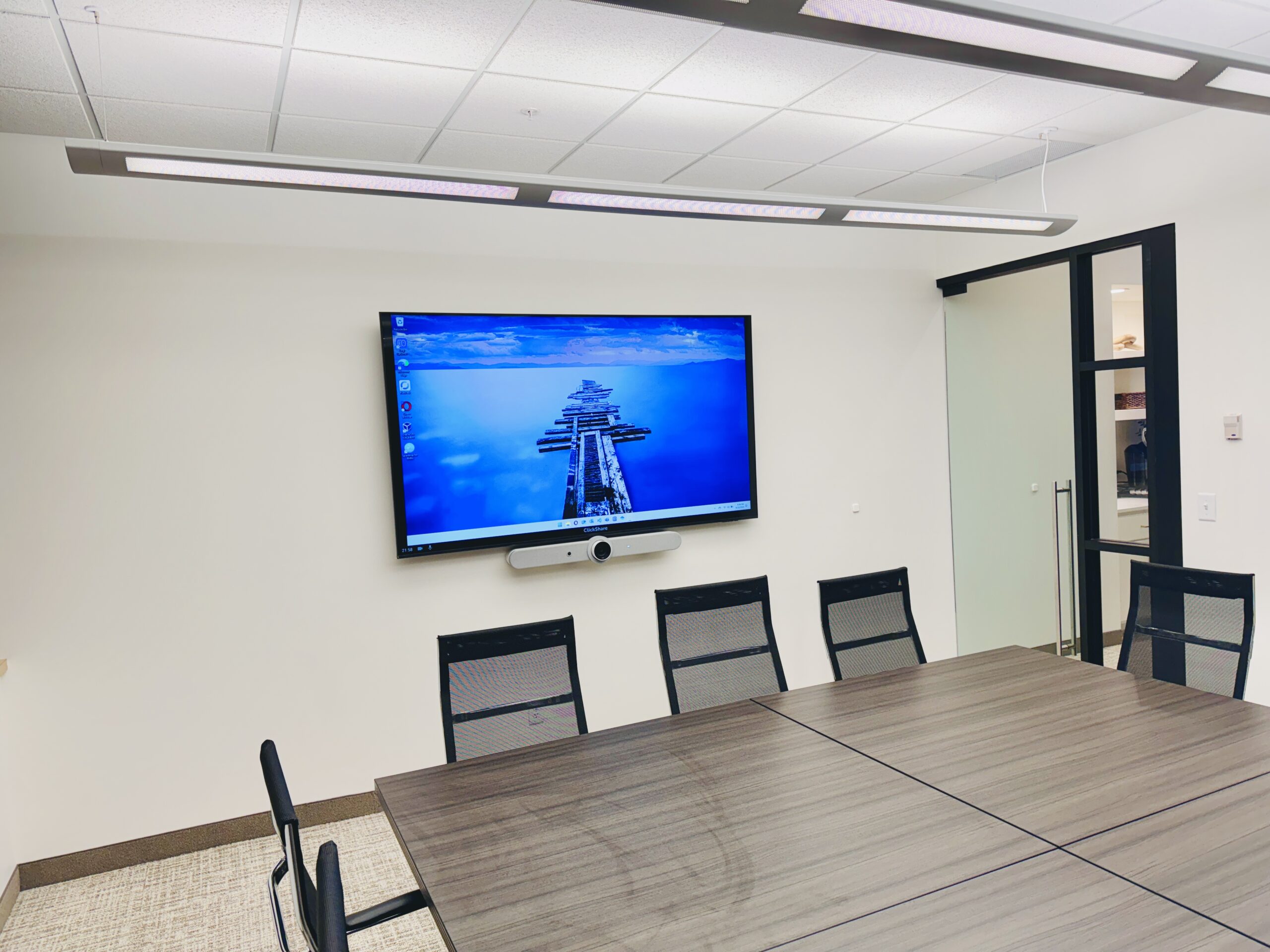
A conference room does not need to be complicated. It needs to start on time, sound clear, and let people share a screen without hunting for the right cable.
Dozer Systems designs, installs, and supports conference room AV systems for businesses in Minneapolis, St. Paul, Wayzata, and across the Twin Cities. We work with small huddle rooms, boardrooms, training spaces, and larger meeting rooms. The goal is the same in every space: technology your team can use without calling someone for help before every meeting.
Conference room AV should be simple to use
Most meeting room problems are not caused by one bad piece of equipment. They happen because the display, camera, microphones, speakers, network, and conferencing software were never designed to work together.
A professionally designed system removes those points of failure. When someone walks into the room, they should know how to start a meeting, join a call, share content, and adjust the audio. The setup should work with the tools your company already uses, whether that is Microsoft Teams, Zoom, Google Meet, or a mix of platforms.
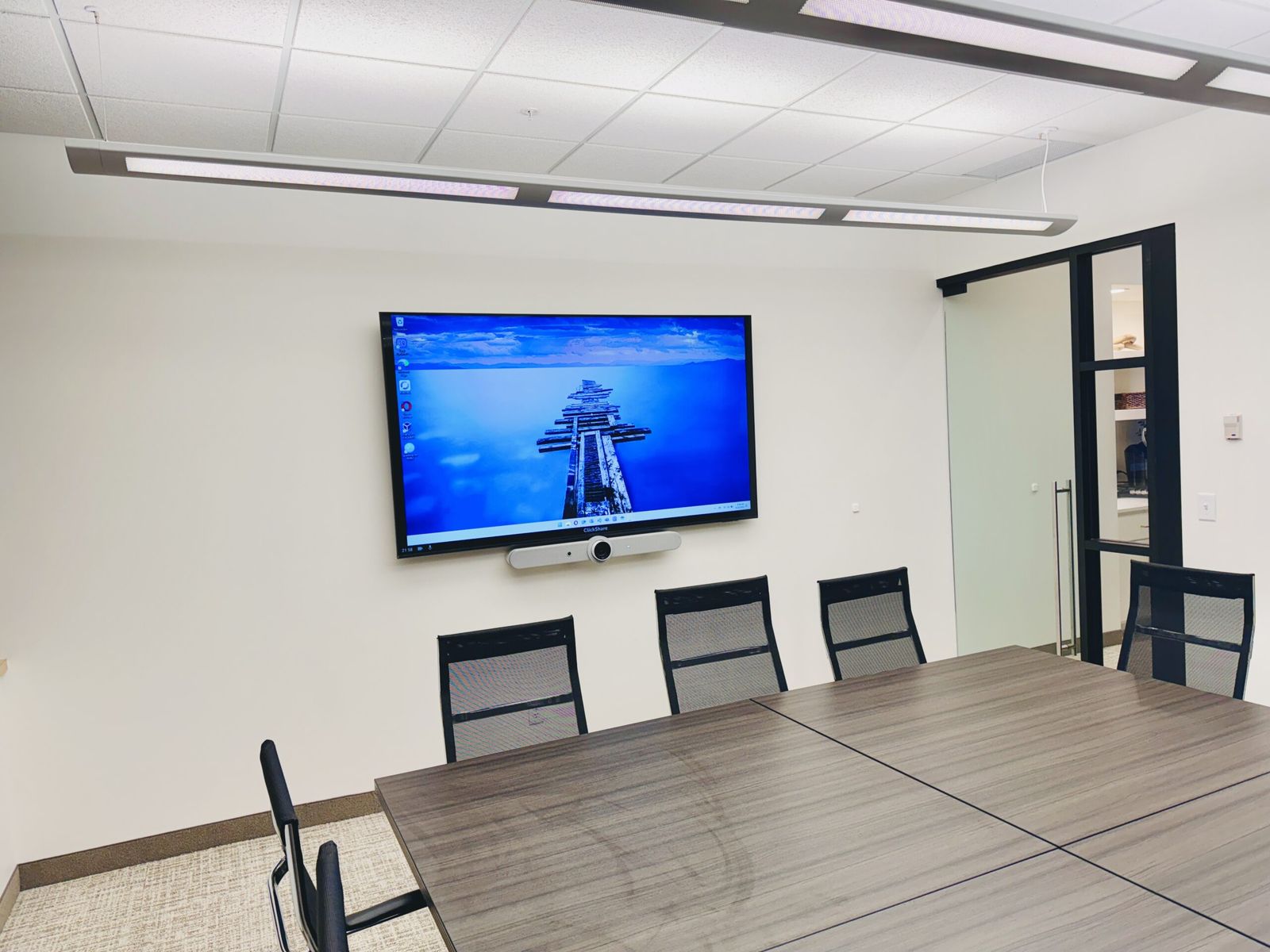
What our conference room AV service includes
Room assessment and system design
We start with the room and the people who use it. We look at seating, sight lines, lighting, acoustics, network access, power, and the types of meetings your team runs. A small room used for quick internal calls needs a different system than a boardroom used for client presentations.
We also review any equipment you already own. If a display, camera, speaker, or control system still fits the room, we will tell you. Reusing the right equipment can reduce cost without making the finished system harder to support.
Equipment selection
We recommend equipment based on the room, your conferencing platform, and your budget. That can include commercial displays, projectors, video bars, cameras, microphones, speakers, touch controllers, wireless presentation systems, interactive displays, and room scheduling panels.
You receive a clear scope before installation begins, including what is being installed, what is being reused, and what support is included.
Installation and configuration
Our team handles mounting, cabling, equipment placement, network configuration, software setup, testing, and cleanup. We test the room from the perspective of the person sitting at the table and the person joining remotely. Both sides need to see, hear, and share content clearly.
Training and support
We show your team how to use the room after installation. Training and ongoing support are included in the agreed scope, so a question after the project does not become a surprise invoice. If the room is part of a broader managed IT relationship, we can also monitor and support the connected devices with the rest of your technology.
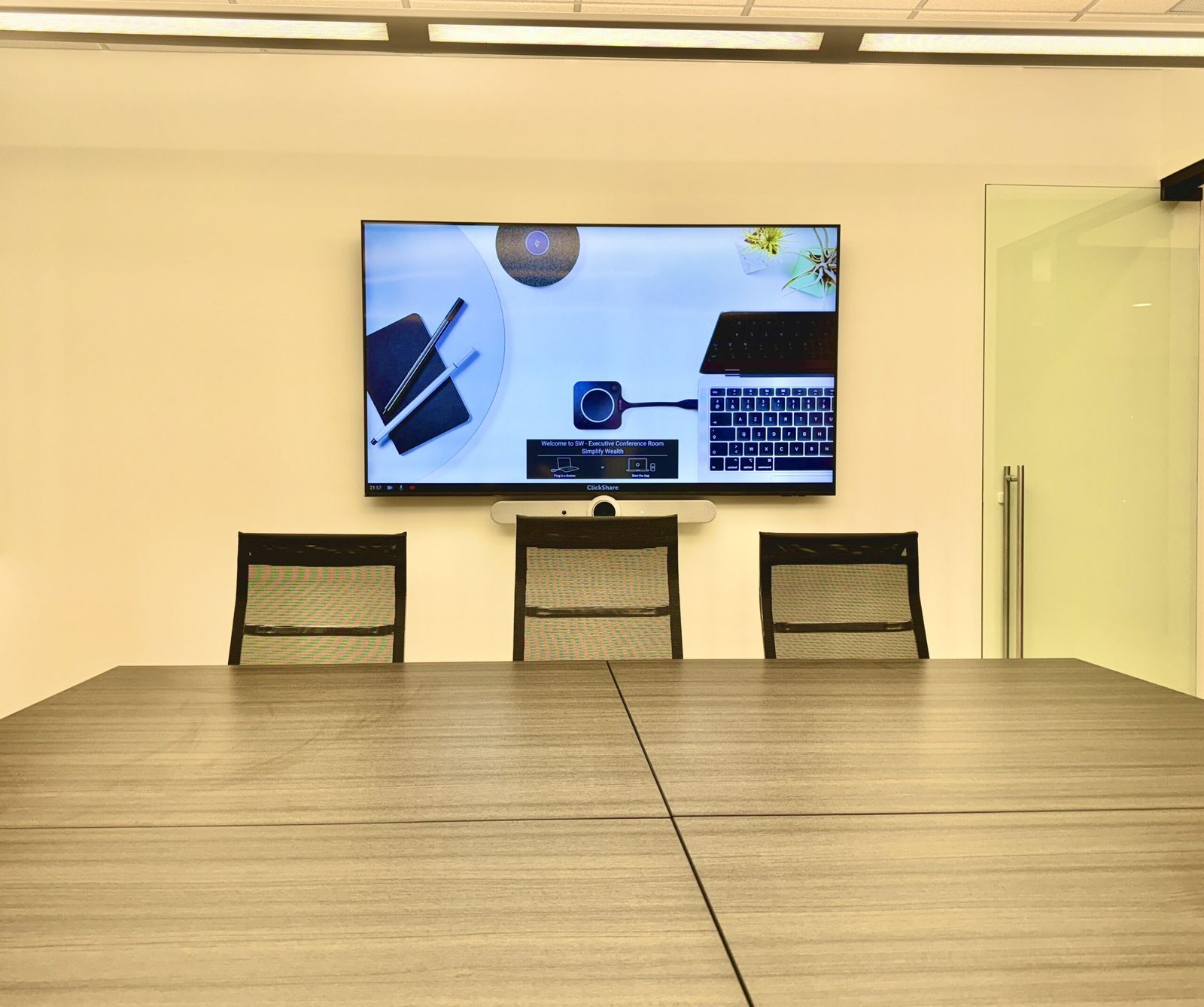
Conference room technology we install
- Video conferencing systems: Cameras, microphones, speakers, and room controls for Microsoft Teams, Zoom, Google Meet, and other platforms.
- Displays and projectors: Properly sized screens with clean mounting and reliable connections.
- Room audio: Microphones and speakers selected for the room so people are heard clearly without echo or feedback.
- Wireless presentation: Simple screen sharing from laptops and mobile devices without passing cables around the table.
- Interactive displays: Touch-enabled screens for whiteboarding, markups, and collaborative work.
- Room scheduling displays: Panels outside the room that show availability and connect with your calendar system.
- Control systems: One clear interface for starting meetings, selecting inputs, and adjusting the room.
Built around how your team meets
A law firm may need secure client calls and dependable document sharing. A construction company may need to bring jobsite teams into coordination meetings. A financial services company may care most about privacy, reliability, and a professional client experience.
That is why we do not start with a standard equipment package. We start with the work happening in the room. The finished system should fit your workflow, security requirements, and support model.
This is also where our broader technology experience helps. Conference room AV touches the network, identity, device management, security, and support. Our managed IT and cybersecurity team can address the whole environment instead of treating the room as an isolated collection of hardware.
What affects the cost of a conference room AV system?
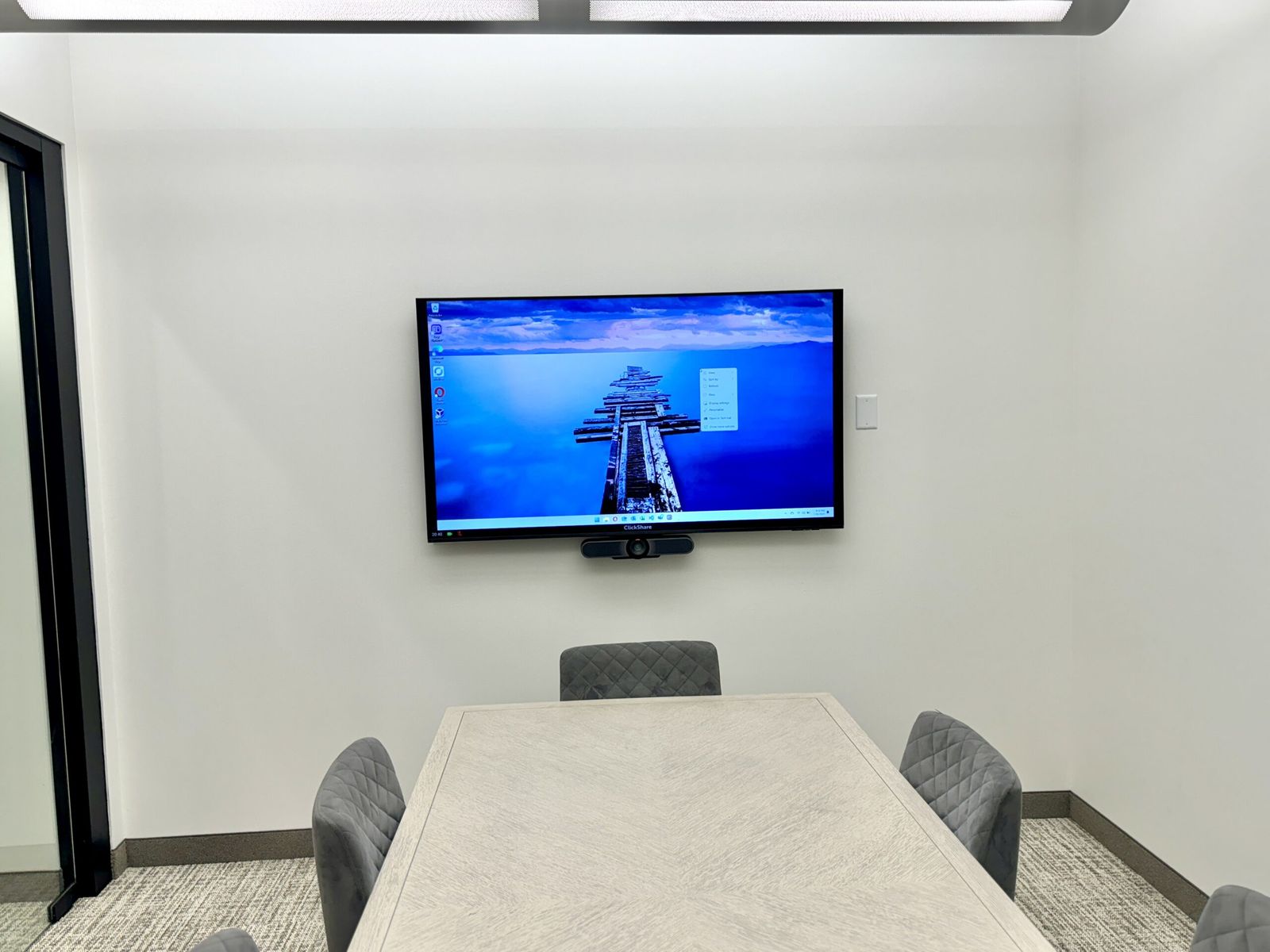
The biggest cost factors are room size, display size, audio coverage, camera coverage, control requirements, cabling, and the conferencing platform. A small huddle room may need one display and a video bar. A large training room may need multiple displays, ceiling microphones, distributed speakers, and more advanced controls.
We design to the room and explain the tradeoffs before equipment is ordered. You will know what each part of the system does and what is included in the project.
Conference room AV installation across the Twin Cities
Dozer Systems is based in Wayzata and serves businesses throughout the Minneapolis-St. Paul metro. Our local conference room AV work includes Minneapolis, St. Paul, Bloomington, Eden Prairie, Maple Grove, Plymouth, Minnetonka, Woodbury, Eagan, Burnsville, Shakopee, Chaska, Chanhassen, and surrounding communities. We also support projects elsewhere in Minnesota, including St. Cloud, Rochester, Mankato, and Duluth.
Frequently asked questions
How long does a conference room AV installation take?
Many standard conference rooms can be installed and tested in one or two days after the design is approved and equipment arrives. Larger rooms or projects that require new cabling, construction coordination, or custom programming take longer. We provide a schedule before work begins.
Can you use equipment we already have?
Yes. We will evaluate existing displays, cameras, speakers, cabling, and control equipment. If something is reliable and fits the new design, we can include it. If it creates a compatibility or support problem, we will explain why before recommending a replacement.
Do you support Microsoft Teams Rooms and Zoom Rooms?
Yes. We design rooms around Microsoft Teams, Zoom, Google Meet, and other conferencing platforms. We can also plan for companies that regularly join meetings hosted on different platforms.
Do you provide training after installation?
Yes. We train the people who use the room and provide simple instructions for common tasks. Support after installation is included in the agreed project scope.
Can you install AV systems in small meeting rooms?
Yes. Small huddle rooms often benefit the most from a simple, standardized setup. We can create a repeatable room design for one space or multiple offices.
Planning a conference room upgrade?
If meetings are starting late, remote attendees cannot hear the room, or the current setup has become a pile of adapters and workarounds, we can help. Request an assessment and tell us what is happening in the room. We will review the space, your existing equipment, and the way your team meets before recommending a system.