
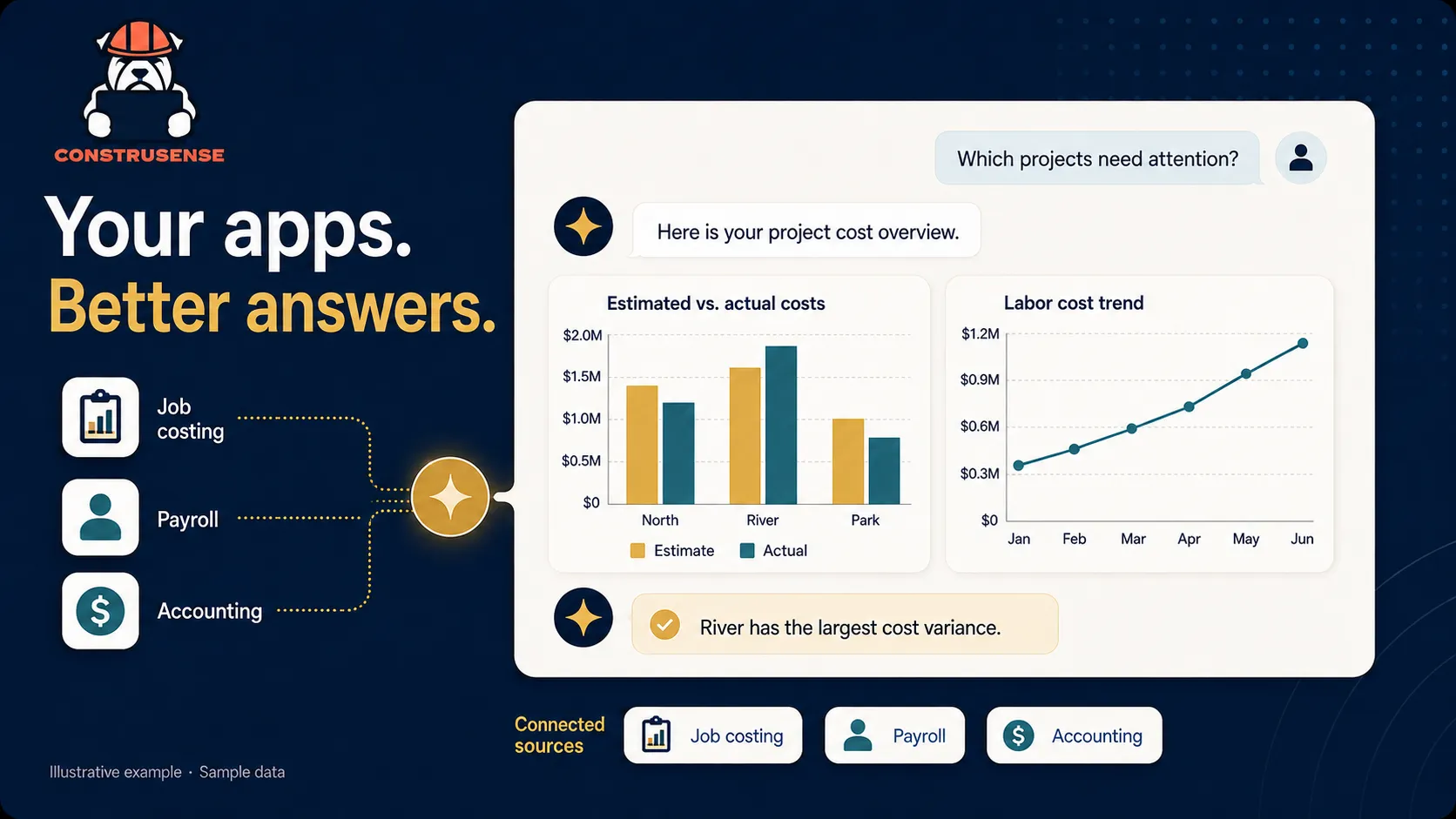
From your apps to answers
Which jobs need attention? Where are labor costs climbing? What can the last project teach you about the next bid? Your team should be able to answer these questions without spending hours gathering reports and combining spreadsheets.
ConstruSense AI by Dozer Systems connects your construction software to ChatGPT or Claude. Executives, project managers, and estimators can ask questions in plain language and work with information already in your business systems.
Put answers in the hands of your team
Construction executives
See which jobs need attention, compare branch performance, and turn costs and outstanding invoices into a clear management summary.
Project managers
Compare budgets with actual costs, understand labor trends, and follow up on the differences before your next project meeting.
Estimators
Review historical job costs and compare estimates with actual results. Bring lessons from completed work into the next estimate.
Ask a question. Keep the conversation going.
You do not need to write code, build a dashboard, or know database queries. Once your systems are connected, start with the question you would ask a colleague:
Which active projects are over budget, and what is driving the difference?
Then ask to focus on one project, compare labor costs, or turn the findings into a chart or report for your meeting. Your team can handle more everyday reporting questions without waiting for a custom report or handing every request to a data analyst.
Connect the software you already use
Bring information from the systems your team relies on into one conversation. Examples of construction apps include:
- Plexxis
- Procore
- Autodesk Construction Cloud
- Trimble Vista
- Trimble Spectrum
- Sage 100 Contractor
- Sage 300 Construction and Real Estate
- Sage Intacct
- FOUNDATION
- Buildertrend
- Buzzbid
Data warehouses, custom apps, and more
Have a data warehouse, an app built for your company, or another business system? Tell us what you use and what you want to understand. We can review connection options and the data available for your setup.
Available information depends on each system's connection options and your authorized access.
Built around your business
Use the branches, reporting periods, and terminology your team already knows. We can help your team get connected and start with the questions and reports that matter most to your business.
Your team stays in control
ConstruSense uses the access your company authorizes and reads information by default. Information selected for analysis is shared with your chosen AI provider. Your team reviews the results and makes the decisions.
Start with one report your team needs every week
Tell us which systems you use and which question or report takes too much time today. We can show how ConstruSense AI, a subscription service for construction companies, could fit that workflow.
Talk with Dozer Systems about your reporting, or Explore ConstruSense.